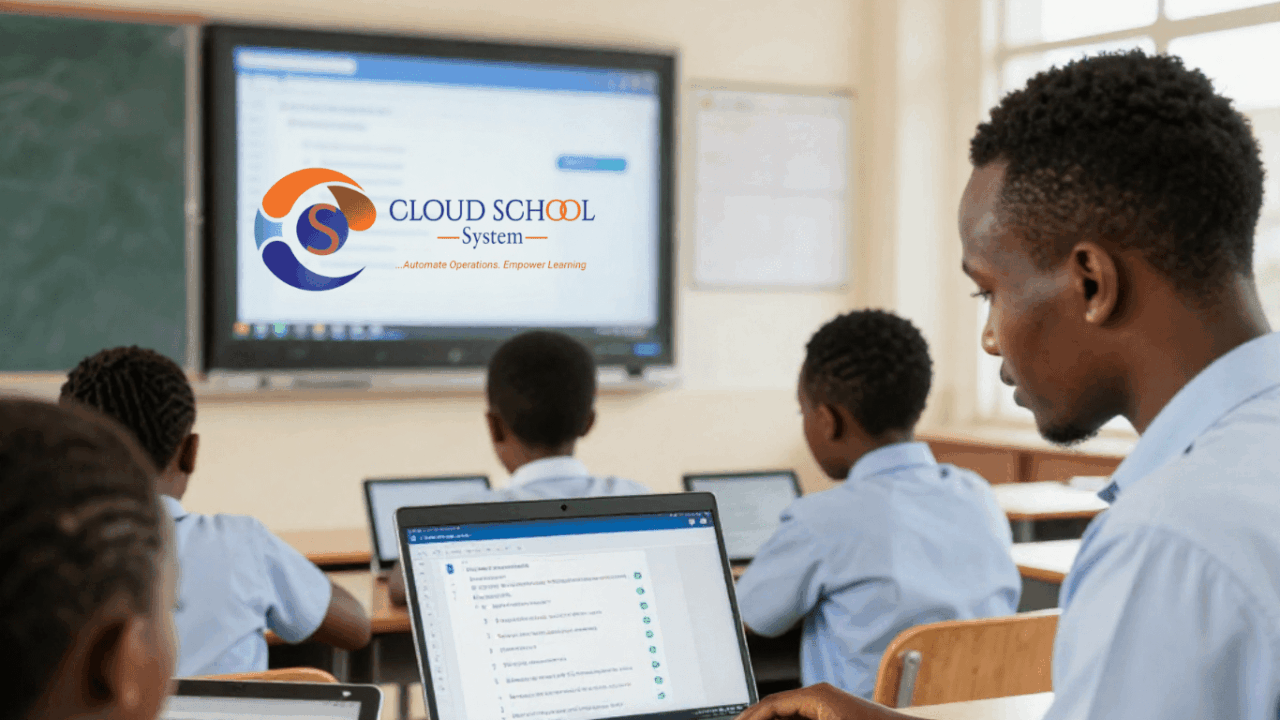
Every evening across Kenya, students sit down to revise. Some have notes. Some have textbooks. Some have nothing but memory and a deadline. The gap between students who get enough support and those who do not has always been one of the most difficult problems in Kenyan education , and it has largely been a resource problem.
Cloud School System’s Learning Management System ( the LMS) , is a direct answer to that gap. It is built into the same platform that over 500 Kenyan schools already use for fees, report cards, and timetabling. No separate app. No additional login. Just a complete online learning environment sitting inside the school system your teachers and students already know.
This guide explains exactly how the LMS works, what it does for students, and why schools across Kenya, from private primary schools on CBC to high schools on 8-4-4, are making it a central part of how their students learn.
| QUICK ANSWER
The Cloud School System LMS allows teachers to post digital assignments, video lessons, and short courses. Students access these from any device, any time. An AI tool helps students revise specifically what they got wrong. Everything is tracked automatically — submissions, scores, attendance, and progress. |
What Is the Cloud School System LMS?
LMS stands for Learning Management System ,a digital platform that manages the delivery of learning content between teachers and students. The Cloud School System LMS is not a standalone product. It is part of the Academic Suite, the section of Cloud School System dedicated to teaching, learning, and academic records.
This matters because it means a teacher who already uses Cloud School System for attendance and report cards does not have to learn a new tool. The LMS is in the same dashboard. The student who already logs in to check their results can access their assignments from the same account. The integration is seamless by design.
How the Cloud School System LMS Helps Students Study
The LMS addresses one of the most consistent challenges in Kenyan school education: what happens to a student’s learning outside the classroom. Below are the specific ways the system supports students.
1. Digital Assignments and Quizzes
Teachers build assignments and quizzes inside Cloud School System and assign them to specific classes or groups. Students receive these on their portal and can complete and submit them from any device with internet such as a phone, tablet, or laptop.
The moment a student submits, the system records it with a timestamp. For quizzes, auto-grading provides instant results. Students know immediately how they performed without waiting for physical papers to be marked and returned. That immediacy makes a significant difference to how students engage with their work.
| WHY THIS MATTERS
Research UNESCO shows that prompt feedback improves learning outcomes. When a student knows within minutes that they got a concept wrong, they are far more likely to address it than when they find out three weeks later on a marked paper. |
2. AI-Powered Personalised Revision
This is the most significant feature of the LMS for student learning. When a student fails a quiz or performs poorly on an assignment, the built-in AI does not simply record the low score and move on. It analyses exactly which questions the student got wrong and generates targeted revision content focused on those specific areas.
The result is revision that feels personal. A student who struggled with photosynthesis in a biology quiz does not get generic revision notes covering the entire biology syllabus. They get focused content on the exact concept they could not answer. A student who scored poorly on fraction division gets revision on fraction division, not the whole of mathematics.
This AI revision is available at any hour. A student revising at ten in the evening after homework does not need a teacher to be online. The system is there, it knows what they need, and it delivers it.
3. Video Lessons and Notes – Learn at Your Own Pace
Teachers upload typed notes and recorded video lessons to the LMS. Once posted, students can access them at any time from any device. A student who missed a class due to illness can watch the lesson that evening. A student who understood the concept in class but needs a second pass before an exam can review it over the weekend.
This on-demand access is particularly valuable for students who learn at different speeds. In a classroom of 35 students, a teacher cannot pace every lesson to every learner. The LMS makes it possible for every student to access the explanation as many times as they need it.
4. Smart Content Recommendations
The system identifies resources that match where a student currently is in their learning journey. Based on a student’s performance across assessments, the LMS recommends relevant content ;notes, quizzes, or revision materials and that directly addresses their current gaps.
This intelligent recommendation layer means students spend less time looking for the right thing to study and more time actually studying it. It is the difference between a student opening a textbook and hoping to find the right chapter, and having the right chapter brought directly to them.
5. Short Courses – Structured Independent Learning
Any teacher or department can create a structured short course inside the LMS. These can be made free for all students in the school or priced for external learners outside the institution. For students, this opens access to focused, structured learning experiences beyond the standard timetable , remedial courses, enrichment content, exam preparation programmes, or practical skills courses that complement the curriculum.
| ADDITIONAL BENEFIT FOR SCHOOLS
Schools that create strong course content can offer paid short courses to learners outside their institution. This creates a new revenue stream directly from the Cloud School System platform without any additional tools or separate subscription required. |
6. Student Portal – A Complete Learning Dashboard
Students log into a dedicated Student Portal where everything related to their academic life is in one place. Assignments due, past submissions, scores, notes, video lessons, upcoming quizzes, and academic reports are all accessible from a single login. Students do not need to use multiple platforms or apps.
The portal also shows students their own attendance record and academic performance history. Students who can see their own data; which subjects they are performing well in, which need attention develop better awareness of their learning and take more ownership of it.
How the LMS Helps Teachers
The LMS is built for students but the change teachers experience is equally significant.
- Less time on physical marking: Auto-graded quizzes mean teachers are not spending evenings marking quiz papers. Scores are in the system the moment students submit.
- Instant visibility: Teachers see submission rates in real time ,who submitted, who did not, and what scores look like across the class. No chasing down missing work.
- Syllabus coverage tracking: The Lesson Scheduling module, which works alongside the LMS, lets teachers log what was taught after every lesson. School leadership can see curriculum coverage per class at any time.
- One-click sharing: Sending revision notes or announcements to an entire class happens in one action inside the system. No printing, no WhatsApp groups, no paper in schoolbags.
Which Schools and Curricula Does the Cloud School System LMS Support?
Cloud School System supports CBC, 8-4-4, IGCSE, and ACE within the same platform. The LMS works across all curriculum types. Whether a school is running Competency Based Curriculum in a Nairobi primary school or Cambridge examinations in an international section, the digital learning tools are available.
The system works on phones, tablets, and computers. This matters in the Kenyan context , not every student has a laptop, but most households have a smartphone. The LMS is accessible on any device with internet access, which means students in a wide range of economic circumstances can benefit from it.
What Makes This Different From Other Online Learning Tools?
There are several e-learning platforms available globally. What makes the Cloud School System LMS different is integration. Other platforms require a separate login, a separate subscription, and a separate management process. Teachers manage academic records in one place, assignments in another, and communication in a third.
The Cloud School System LMS is part of the same platform that manages fee collection, report cards, attendance, timetabling, HR, transport, and library management. Everything is connected. A student’s quiz score is part of their academic record. A teacher’s assignment is linked to their lesson schedule. A parent can see academic progress on the same portal where they check fee balances. That integration is not available from standalone LMS tools.
Frequently Asked Questions
These questions are answered for parents, teachers, and school administrators considering the Cloud School System LMS.
| What is the Cloud School System LMS and how does it work?
The Cloud School System LMS is a built-in online learning module inside the Cloud School System school management platform. Teachers create and post assignments, quizzes, notes, and video lessons. Students access these from their Student Portal on any device. Quizzes are auto-graded and the AI revision tool helps students work through areas where they struggled. |
| How does the AI revision tool help students in Kenyan schools?
When a student scores poorly on a quiz or assignment, the AI identifies the specific questions they got wrong and generates targeted revision content for those exact areas. It is available at any time evenings, weekends, or during exam preparation without requiring a teacher to be online. This makes personalised academic support available to every student, regardless of whether they have access to private tutoring. |
| Does Cloud School System LMS support CBC in Kenya?
Yes. Cloud School System supports CBC, 8-4-4, IGCSE, and ACE curricula within the same platform. The LMS works across all these curriculum types. Schools running CBC can use digital assignments, quizzes, and video lessons that align with strand-based assessment requirements. |
| Can students access the LMS from their phones?
Yes. The Cloud School System Student Portal is accessible on any device with internet — smartphones, tablets, and computers. Students can complete assignments, watch video lessons, and access AI revision content from a phone at home, in the evening, or anywhere they have connectivity. |
| Do teachers need to learn a new system to use the LMS?
No. The LMS is part of the existing Cloud School System platform. Teachers who already use the system for attendance, grades, and report cards access the LMS from the same dashboard with the same login. There is no separate tool, app, or subscription required for the core module. |
| Can schools create paid short courses using the Cloud School System LMS?
Yes. Teachers and department heads can build structured short courses inside the LMS and set them as free for current students or priced for external learners. This gives schools a way to earn income from the knowledge and resources they already have, directly from the Cloud School System platform. |
| How many schools in Kenya use Cloud School System?
Cloud School System is used by over 500 schools across Kenya, including private primary schools, secondary schools, and colleges. It supports multiple campuses and works across all Kenyan curricula. |
See the LMS in Action -Book a Free Demo
If you are a school director, principal, or teacher in Kenya and want to see exactly what the Cloud School System LMS looks like for your students and staff, a free demo takes 30 minutes and requires no commitment.
- Book a demo online: cloudschool.co.ke/request
- WhatsApp the team: +254 798 067 754
- Email: [email protected]
- Learn more about the Academic Suite: co.ke/academic-suite
- See all features: co.ke/features